We use cookies - Our website uses cookies to provide you with a better experience as well as for analytical purposes. For more information on our privacy practices and cookie policy please read our Privacy Policy.
|

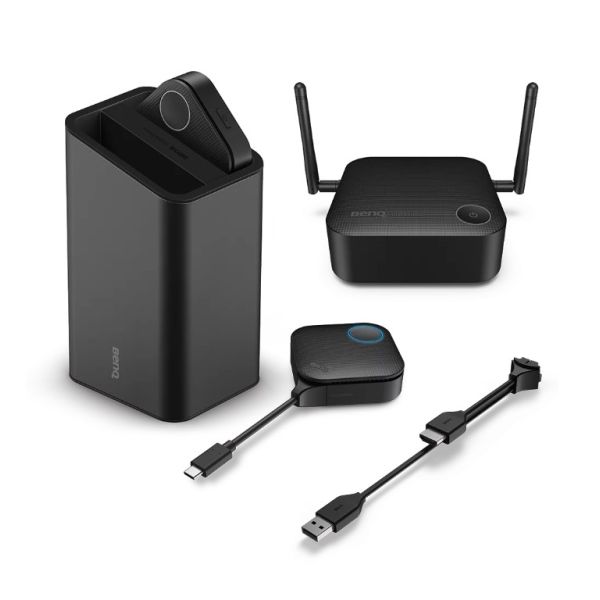


BenQ InstaShow VS10
BenQ InstaShow VS10 Wireless Presentation System for Hybrid Meetings in huddle rooms - No additional drivers or software necessary - includes 2x buttons
£1,080.00 £1,296.00
Availability: Please Call Us
SKU
9H.JRR78.N1E
InstaShow® VS10 Wireless Presentation System for Hybrid Meetings
Elevate Huddle Room Collaboration with Seamless Wireless Integration
- - Plug-n-Play: No drivers or internet needed.
- - Wireless Integration: Experience seamless wireless BYOD screen sharing.
- - Interactive Collaboration: Enables touchback and split-screen for enhanced collaboration.
- - Robust Security: AES 128-bit encryption and WPA2 ensure secure data transmission.
Intuitive
Plug-n-Play
Just plug-n-play, no drivers or external internet required. Click the button to project directly on a screen.
Integrate Wirelessly
Enjoy cable-free BYOD screen sharing without compatibility issues and clutter.
Enhanced Collaboration
Present and collaborate on the touchscreen panel for interactive collaboration.
Robust
Data Security
InstaShow® VS10 ensures data security with AES 128-bit encryption, WPA2, WPA2 Enterprise, and router-level channel isolation.

Get Started Instantly
Plug in the InstaShow® VS10, press a button, and project content instantly from any attendee’s laptop, tablet or phone. No software installation is required.
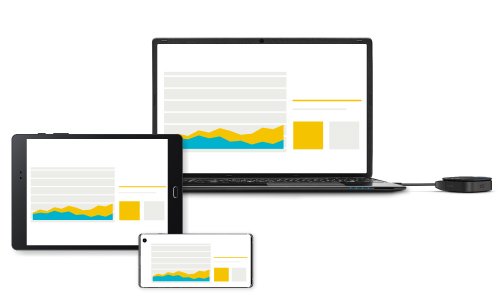
Multi-Device Compatibility
Conveniently connects with HDMI laptops, smartphones, and tablets for wireless projection.
Note: Laptop Compatibility includes Linux, Chrome, Mac, and Windows, while Mobile Devices only support iOS and do not support Windows.
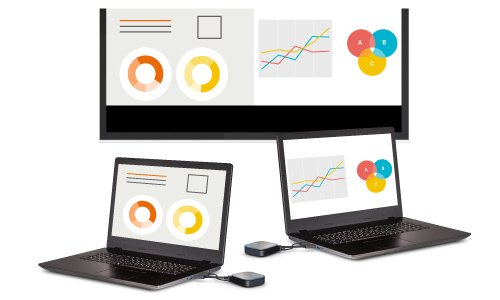
2-Way Split Screen
Up to two presenters share content wirelessly and smoothly on one screen.
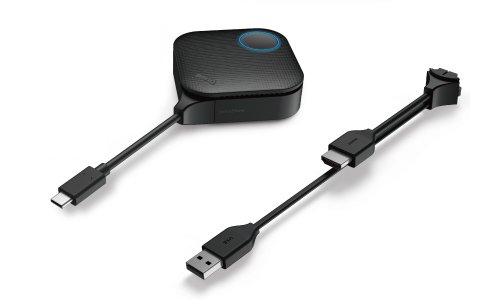
Switchable Interface
The InstaShow® VS10 Button transmitter offers both HDMI and USB-C connectivity for different devices.

Touchback Control
Utilise interactive displays to switch slides, and play videos without having to switch back to a default device.
*Users must switch to the desired mode when using the stylus since the touchback feature can only register one source at a time.
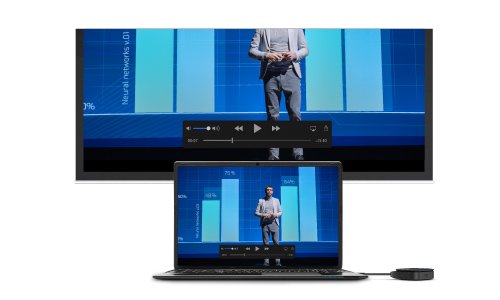
Low Latency Playback
Fast Wi-Fi 5 (802.11ac) lets the InstaShow® VS10 smoothly stream 1080p full HD video such as high-definition slides or streamed content without any lag.

Take Control with a Tap
With InstaShow® VS10, you're in charge of the meeting using the interactive display to manage your laptop. Presenters can easily advance slides or play videos with a simple tap on the interactive display, without relying on laptop control.
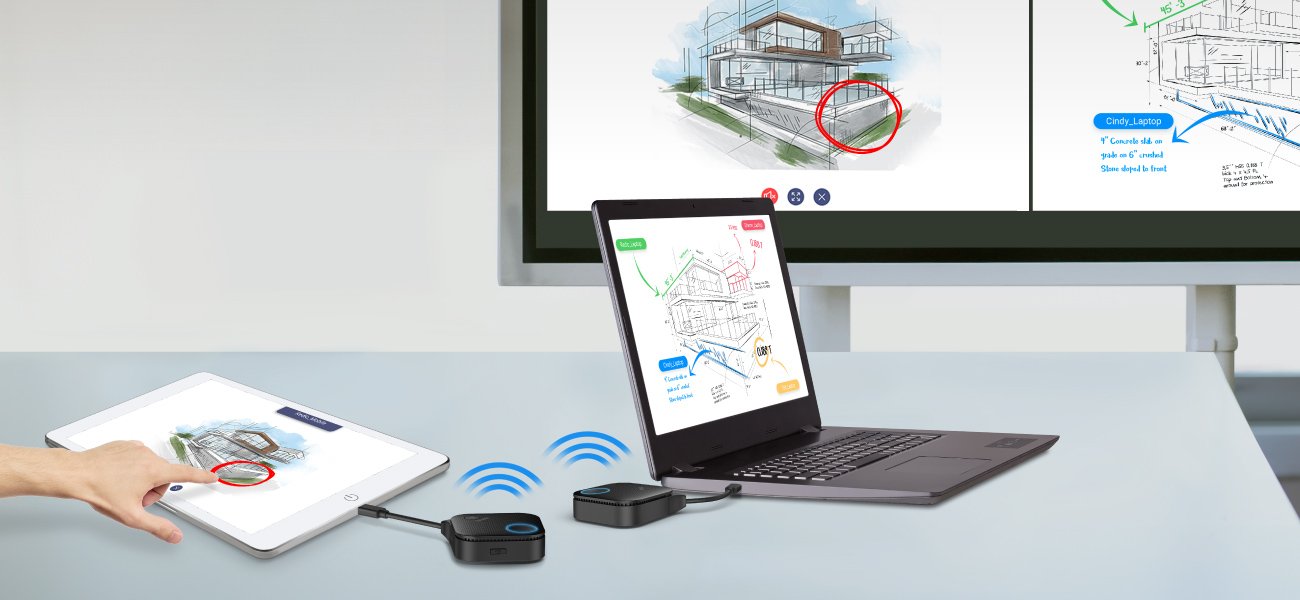
Brainstorming Made Easy
Participants can seamlessly share and switch content, swiftly transitioning between screens and annotating discussions on the shared display. Note: InstaShow® VS10 is compatible with the Windows native 'Win+P' hotkey for an extended desktop, allowing presenters to showcase content without frequent screen toggling.

Streamline Hybrid Meetings
Become the BYOM host via the InstaShow® VS Assist app on your own devices with the InstaShow® VS10, integrating video conferencing setups seamlessly.

Remote Sharing via One App
The InstaShow® VS Assist app seamlessly integrates an all-in-one video conferencing device and display within the same secure network, synchronising video and display for remote participants.


Note: please enable WPA2 Enterprise for your InstaShow® Host (RX) to enhance wireless network security.
IT-Friendly Conferencing System
Just connect your display and all-in-one video conferencing device to your InstaShow® Host (Rx) to integrate all your video conferencing systems and devices easily.

CVSS 3.0 Certified
InstaShow system pass CVSS 3.0 standards as tested by an ISO27001 & ISO17025 certified security lab to ensure steadfast information security.

Multiple WPA2-Enterprise SSIDs
InstaShow® VS10 utilises WPA2-Enterprise, including guest SSIDs, to establish separate networks for employees and guests. This segregation of access privileges offers robust protection against unauthorised data access and sharing.

HDCP Adoption
Fully compatible with HDCP-encrypted content via HDMI (e.g., VOD, Netflix, PlayStation, Blu-ray Discs, etc.), InstaShow systems allow seamless playback of most audiovisual content protected by digital rights management.

Advanced Router-Level Chipset
Powered by MTK Technologies' router-level chipset, the InstaShow family of products creates ideal high speed secure Wi-Fi zones to handle multiband and fast media traffic with internal isolation of wireless data channels.
| Resolution | Full HD |
|---|---|
| EAN | 4718755088865 |
| Type | Hub and Button System |


Tick items to add with main product or
